Organization administrators can define a contact email address that organization members will find in the Account menu
Also see Help
¶ Configure organization contact email
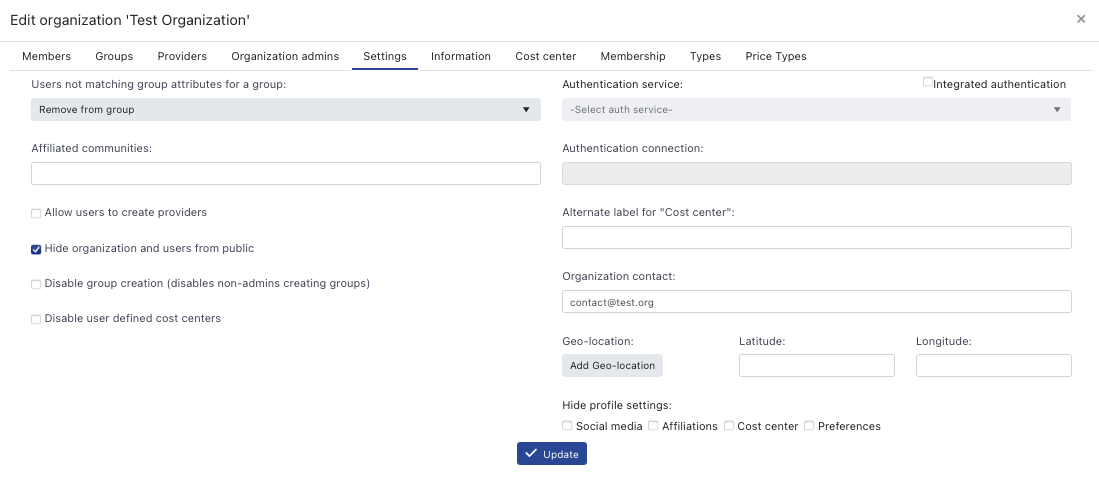
Go to Browse > Organizations and find your organization. Then open the management dialog Manage (gear icon) > Settings (tab). There, fill out the Organization contact field with a valid email address.
 |
|---|
| Organization management dialog |
¶ Effect
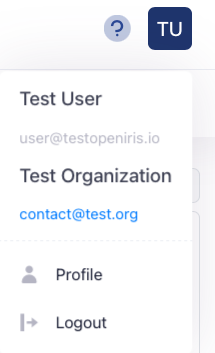
All users that are member of a given organization that has a defined Organization contact will see the email in the Account menu.
 |
|---|
| User account menu |